
Learning content
Listening, Q&A, stories, and local playback
Wi-Fi SOC AI Education Companion
For English listening devices, kids intercoms, and learning companion terminals, the solution connects microphones, speakers, displays, cameras, and cloud content into one system.
Listening, Q&A, stories, and local playback
Microphone, speaker, and AV intercom
Accounts, content updates, and OTA
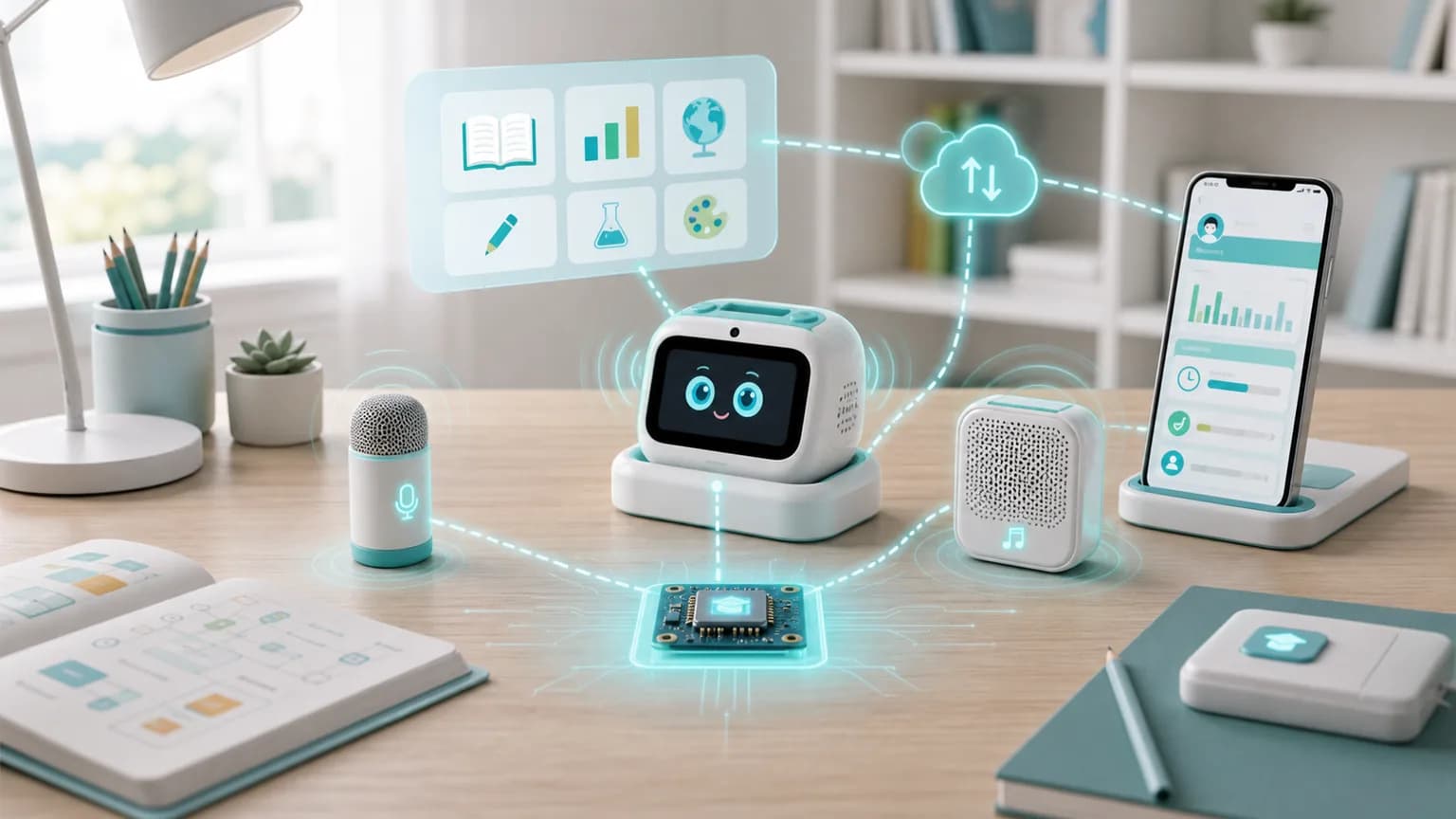
Solution Path
Cloud or app services deliver content, the device handles playback, recording, intercom, and local interaction, and parents review records and update content.
Listening, stories, lessons, and AI Q&A.
Listen, speak, view, press, and intercom.
Records, settings, content, and OTA.
Learning devices must connect content delivery, children interaction, parent review, and device updates. TXW81x brings connectivity, BLE provisioning, audio-video processing, and peripheral control to the terminal for long-term learning services.
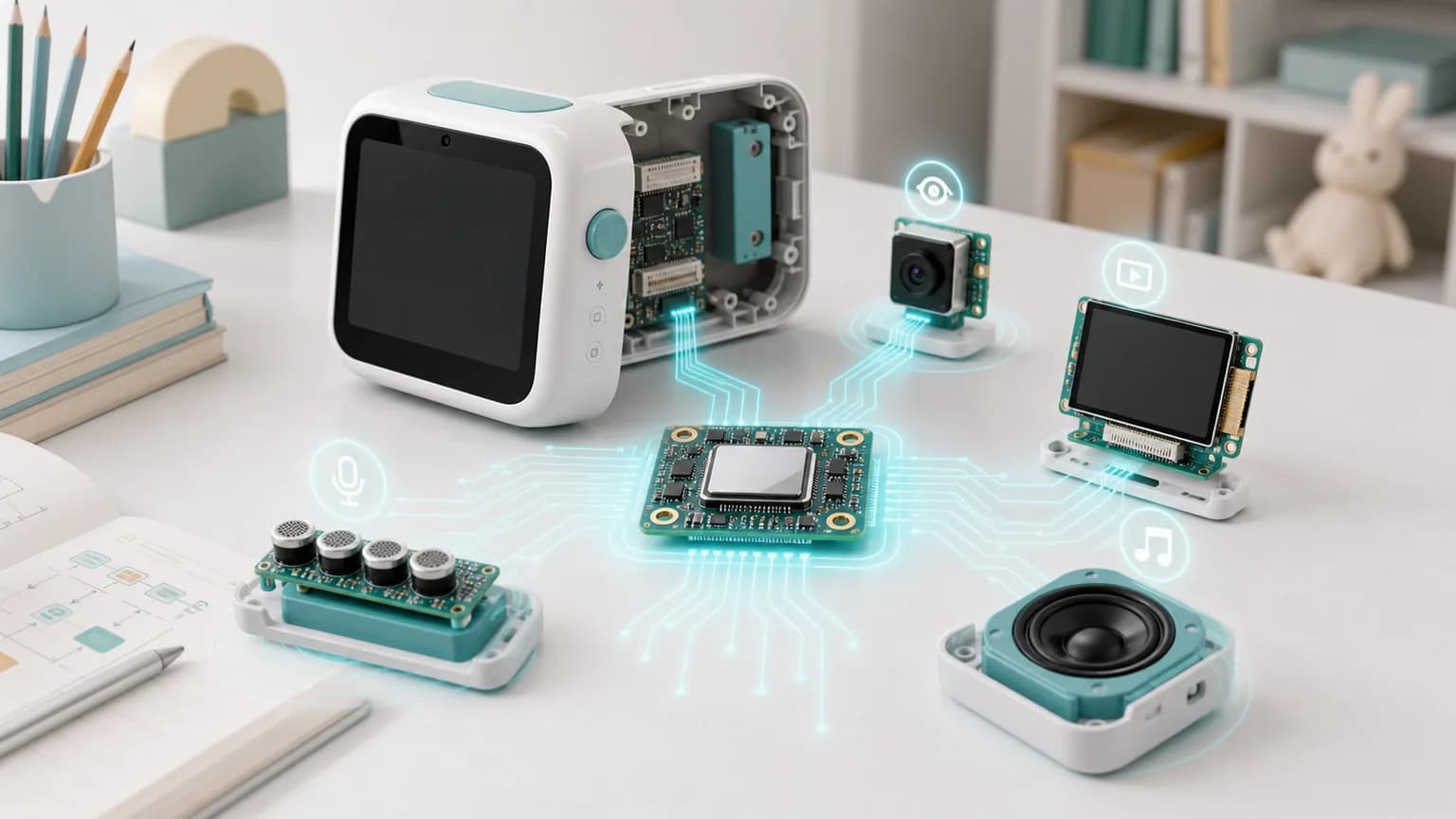
Inside the learning device
The old page separated learning hardware, TXW81x, and cloud as isolated words. The new structure explains the device path: audio input, playback, display, camera, and buttons are coordinated by TXW81x, then connected to home network and content services through Wi-Fi/BLE.
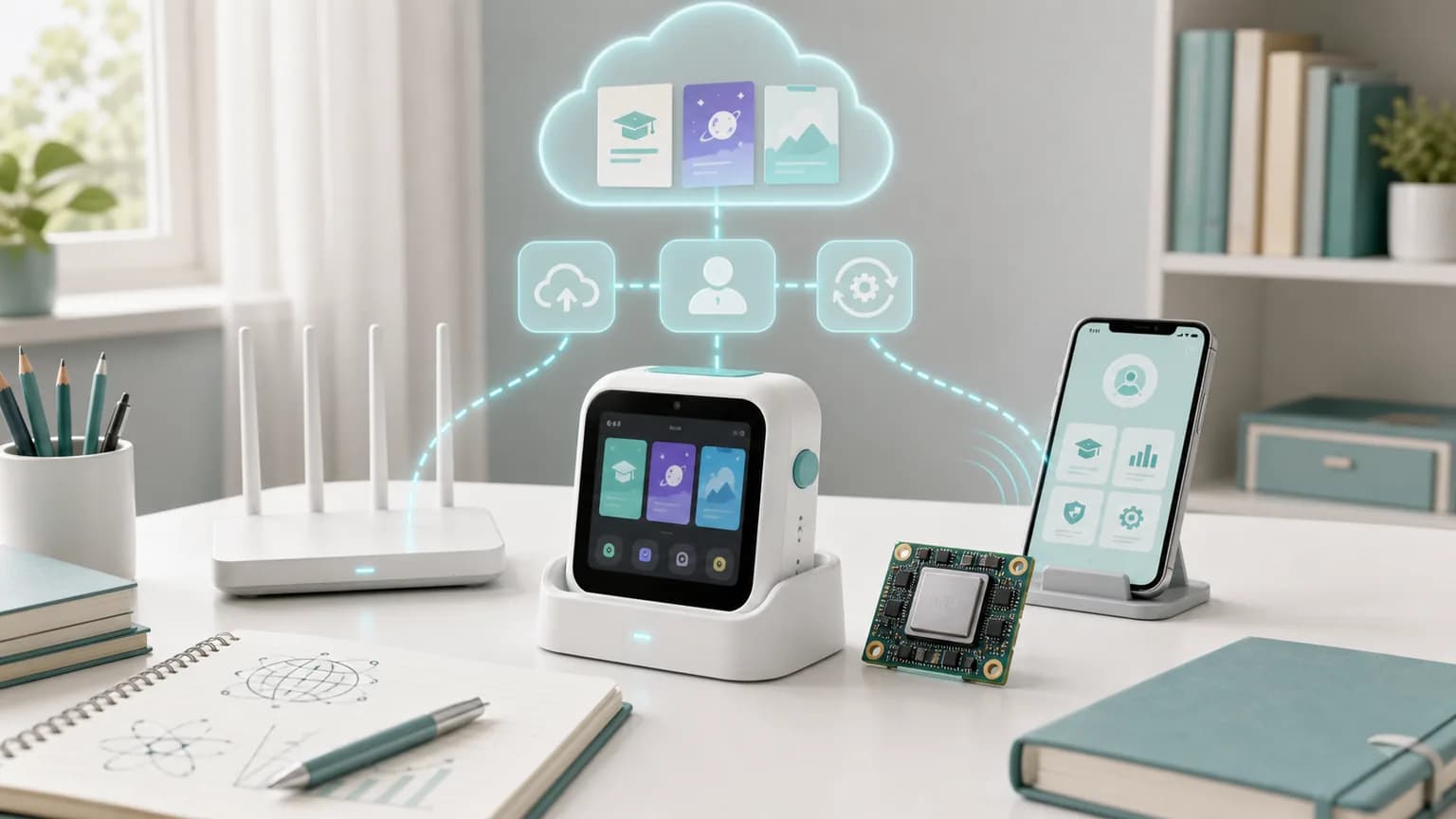
Content service
Education devices rely on content updates, account management, learning records, and OTA for long-term operation. The page places cloud services inside the learning loop instead of naming them as isolated blocks.
Product Fit
Select the chip or module path by system role, interface count, audio-video capability, and production timeline.
TXW81x Series
Fits learning terminals with audio input/output, lightweight video, BLE provisioning, buttons, and displays.
TXW82x Series
Fits learning devices needing richer camera, codec, and display interfaces.
Each form connects the scenario to hardware priorities such as connectivity, power, imaging, and maintenance.
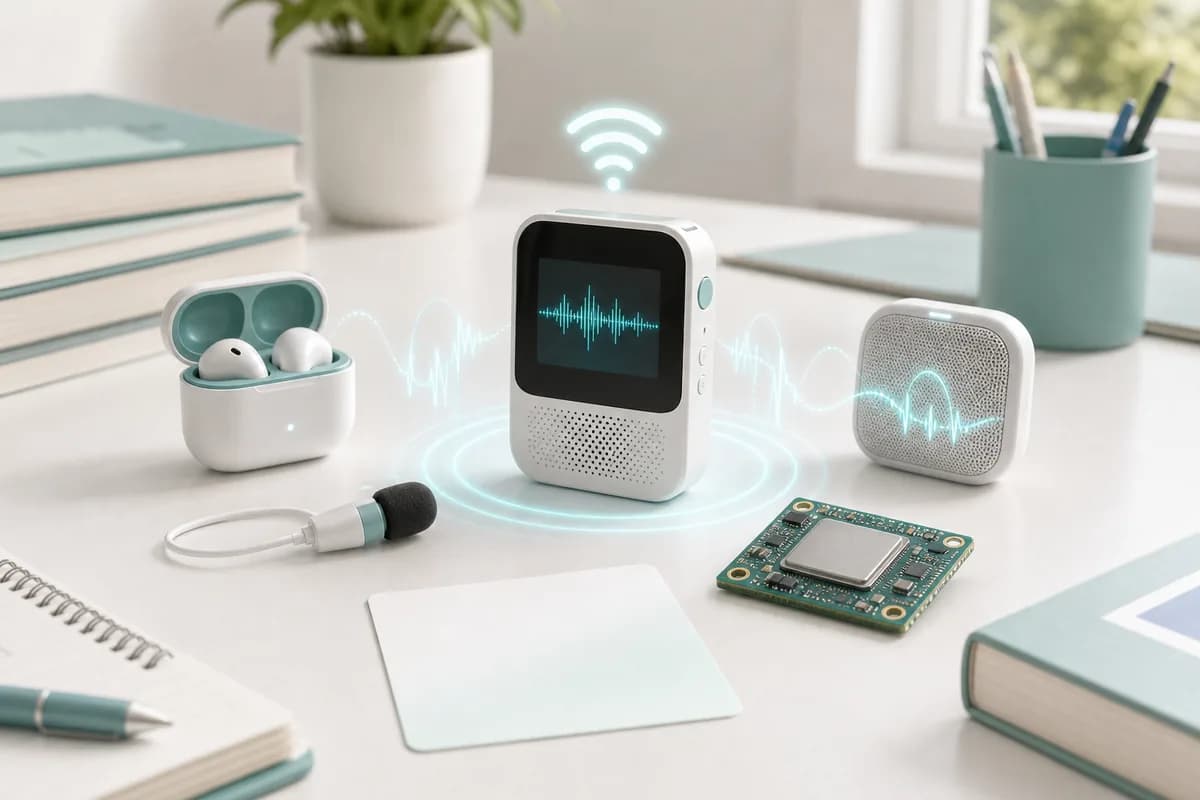
Content playback, listening practice, and voice input.
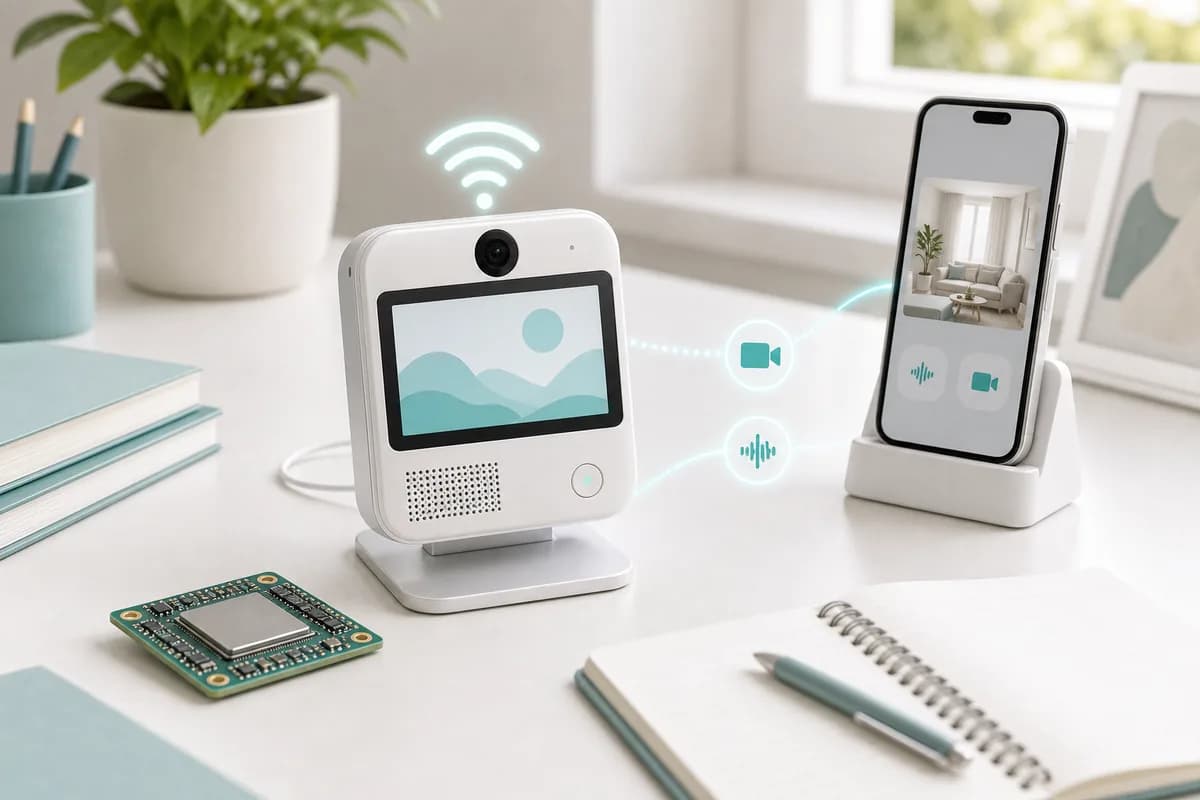
Audio-video calls, family interaction, and remote care.
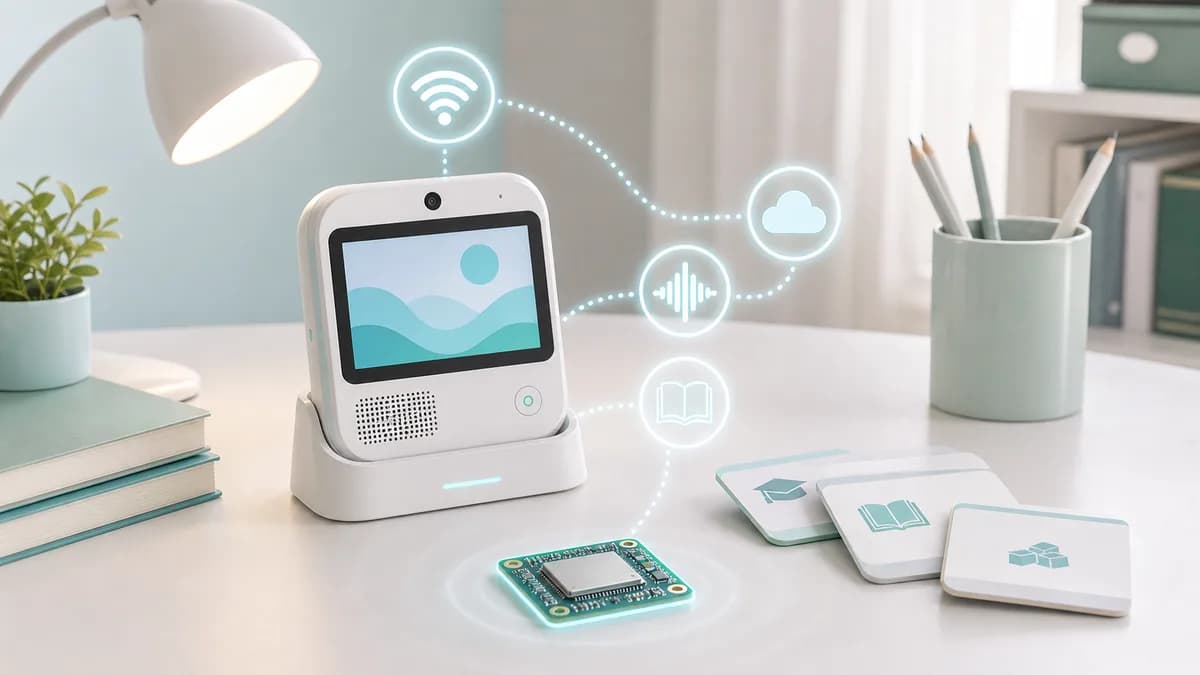
Learning content, AI Q&A, and parent management.
Next Step
Share audio, display, camera, buttons, content service, and battery targets so Taixin can help select TXW81x / TXW82x.